
A vehicle security app still running on the interface we handed over
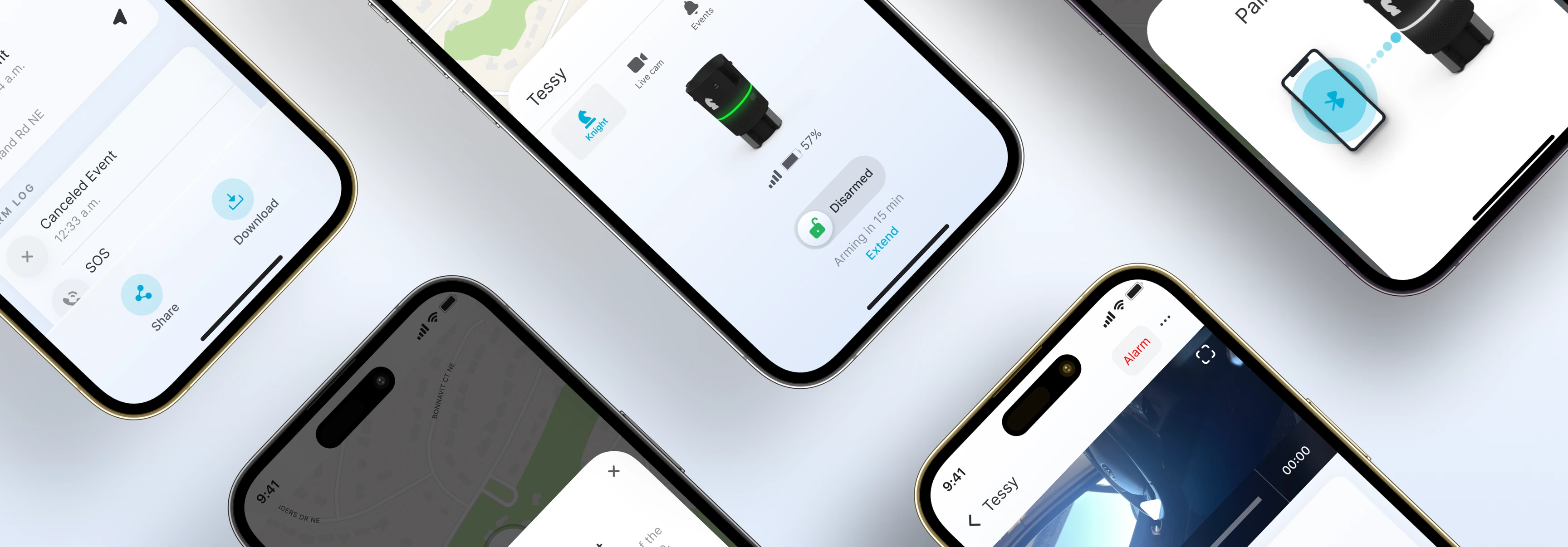
A vehicle security device that anchors in the car's cupholder, watches for break-ins, and sends live video to the owner's phone.
- mobile app ui/ux
- design system
- 3 months
- to design the app UI and UX and the components library it ships on
- Since Feb 2023
- the iOS and Android apps have run on our interface, still updated July 2026
- a design our team could ship
- Jonathan Manuzak, CTO, on what the handover was worth to his engineers
The challenge
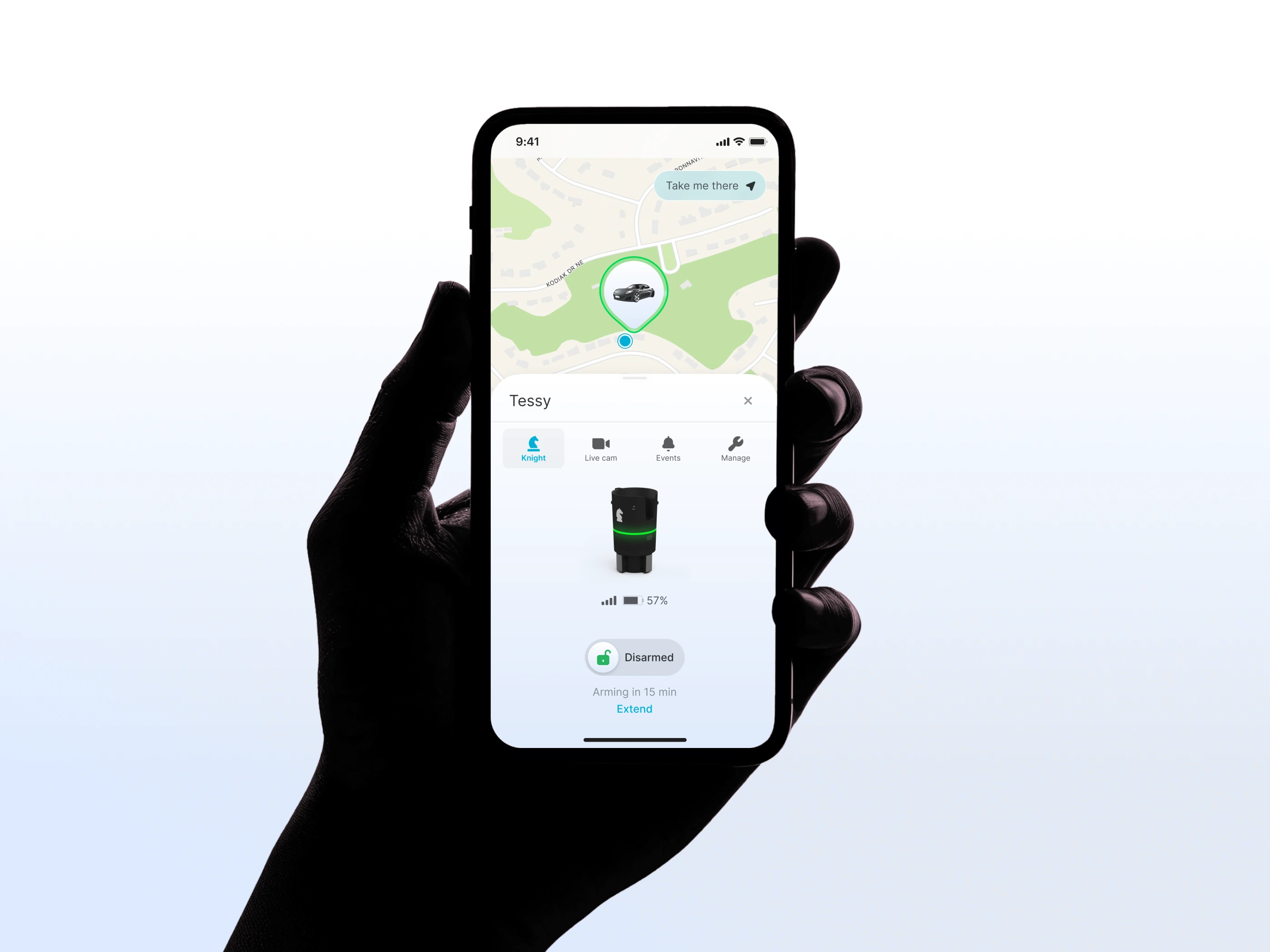
Keep Technologies builds a vehicle security device that anchors into a car's cupholder. It carries a camera, sensors, GPS and radar, arms and disarms itself as the owner comes and goes, and runs alongside a monitoring service where trained staff review footage and contact the police. The app had to hold two states that pull against each other. Most of the time nothing is happening, and the product's job is to be quiet. A person should open it, see that the car is fine, and put the phone away without reading anything. Then something happens, and the same app has to hand them one clear path through it. Getting the quiet state right is what makes the alarm state work, because the person being asked to act under pressure is someone who has never had to look closely at the app before. Our scope was the mobile app UI and UX and the components library it is built from. The build was Keep Technologies' own.

What we did
1Design for the quiet state first
Most days the device does its job and nothing happens, so the app's most common task is to say the car is fine and get out of the way. We designed the resting state to be read in a second and to carry none of the language of an alarm. It is the state a person sees hundreds of times, and it sets what an exception will feel like when one finally arrives.
2Give the alarm one clear path
When the device does see something, the app stops being ambient. The owner gets a notification, live video of the event, and a decision: silence it, or pass it to the monitoring team who can call the police. We designed that as a path through rather than a set of controls to choose between. Someone reading their phone in a hurry should not have to work out which one matters.
3Hand over a components library, not a stack of screens
The interface went across as a components library so Keep Technologies could keep building on it without us. It held. Both apps shipped on it, and the same interface is still in production.
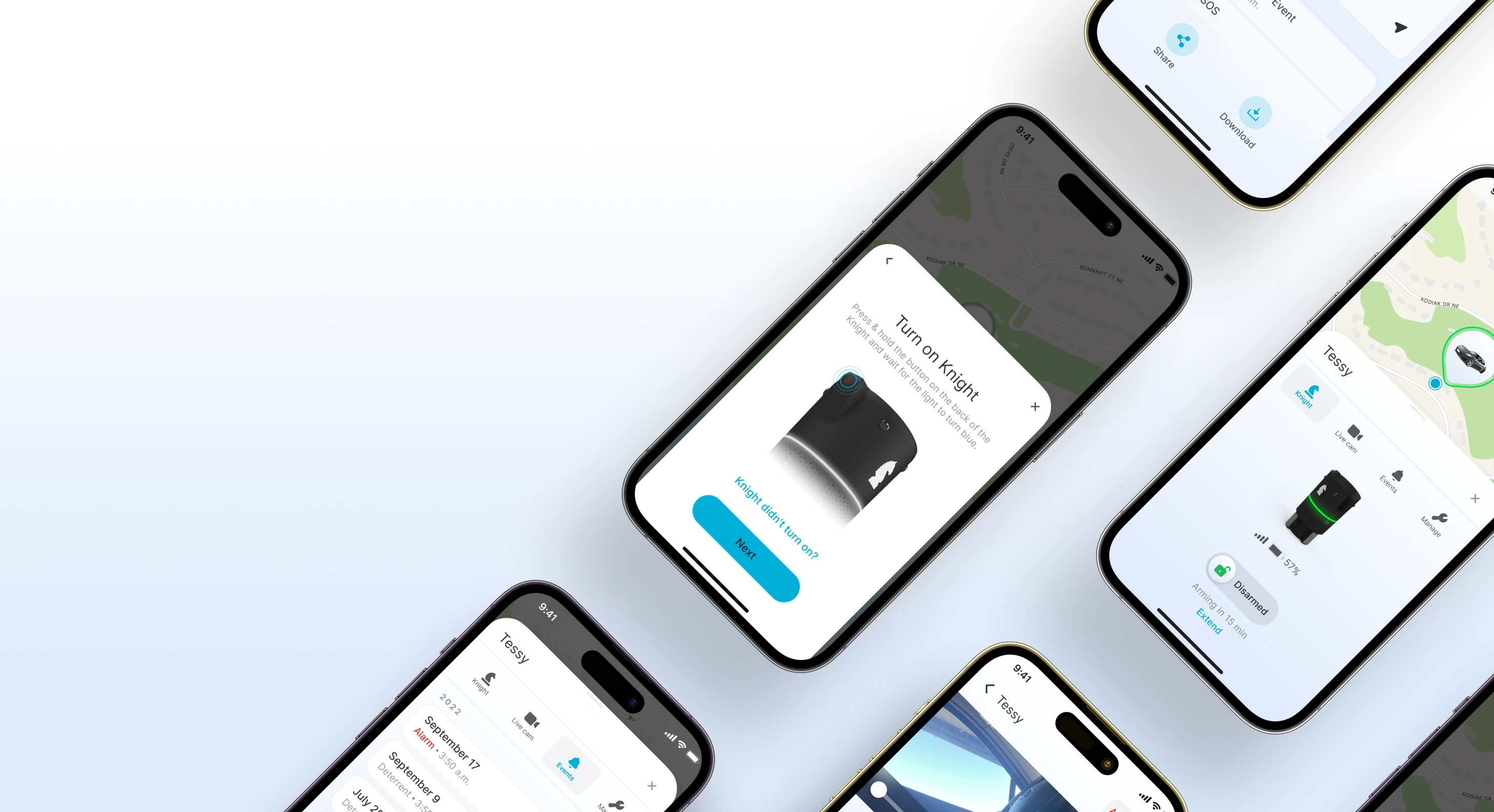
Most of the engagement went into the flow that connects the phone to the device, not into the alarm screens.
The alarm is the moment the product exists for, so it is the obvious place to spend the design time. It is also the moment a person is least likely to be lost: the app is already shouting, and there is one thing to do. Connecting to the hardware is the opposite. It happens once, in a car park, before the product has earned any trust, and everything after it depends on it working. Someone who cannot pair the device never reaches the alarm screens at all. We put the time where the product could be lost rather than where it looks most dramatic.
“When the hardware was finished and we needed a mobile app, 350life was the first call. They understood the product fast and delivered a design our team could ship.”
 Jonathan ManuzakCTO, Keep Technologies
What we built
- Platforms
- iOS Android
- Stack
- Design only
- Design system
- Components library covering the mobile app
- Timeline
- Three months from July 2022. The app reached the App Store in February 2023 and is still updated, July 2026
Related work
- Product design
- App development
From a five-year spreadsheet to iOS and Android in one week
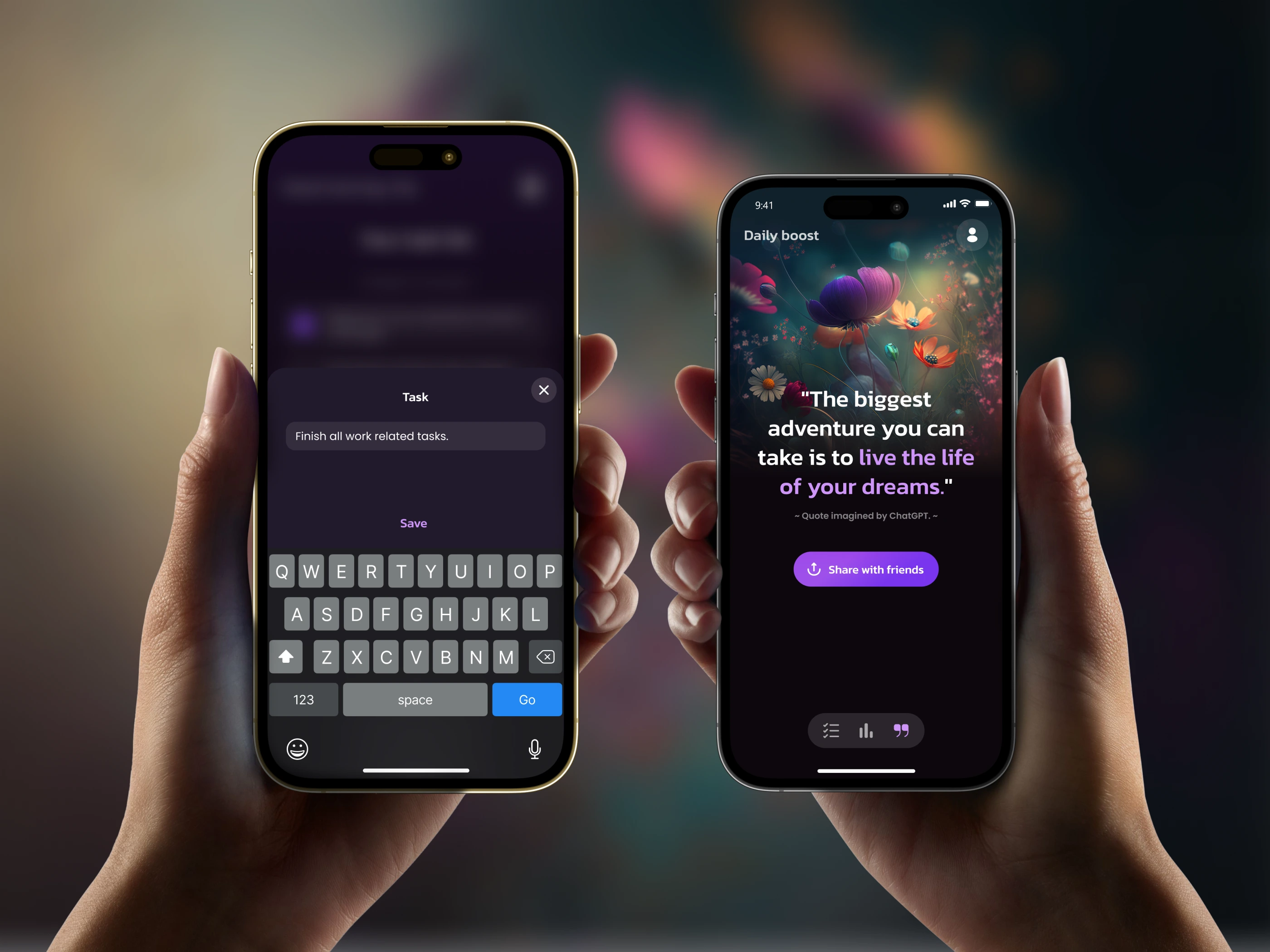
A daily-goals app that turns a long-running personal spreadsheet ritual into a mobile product.
- website design
- webflow website
- mobile app ux/ui
- mobile app development
- integrations
The website and app behind a YC startup at $9.4M ARR
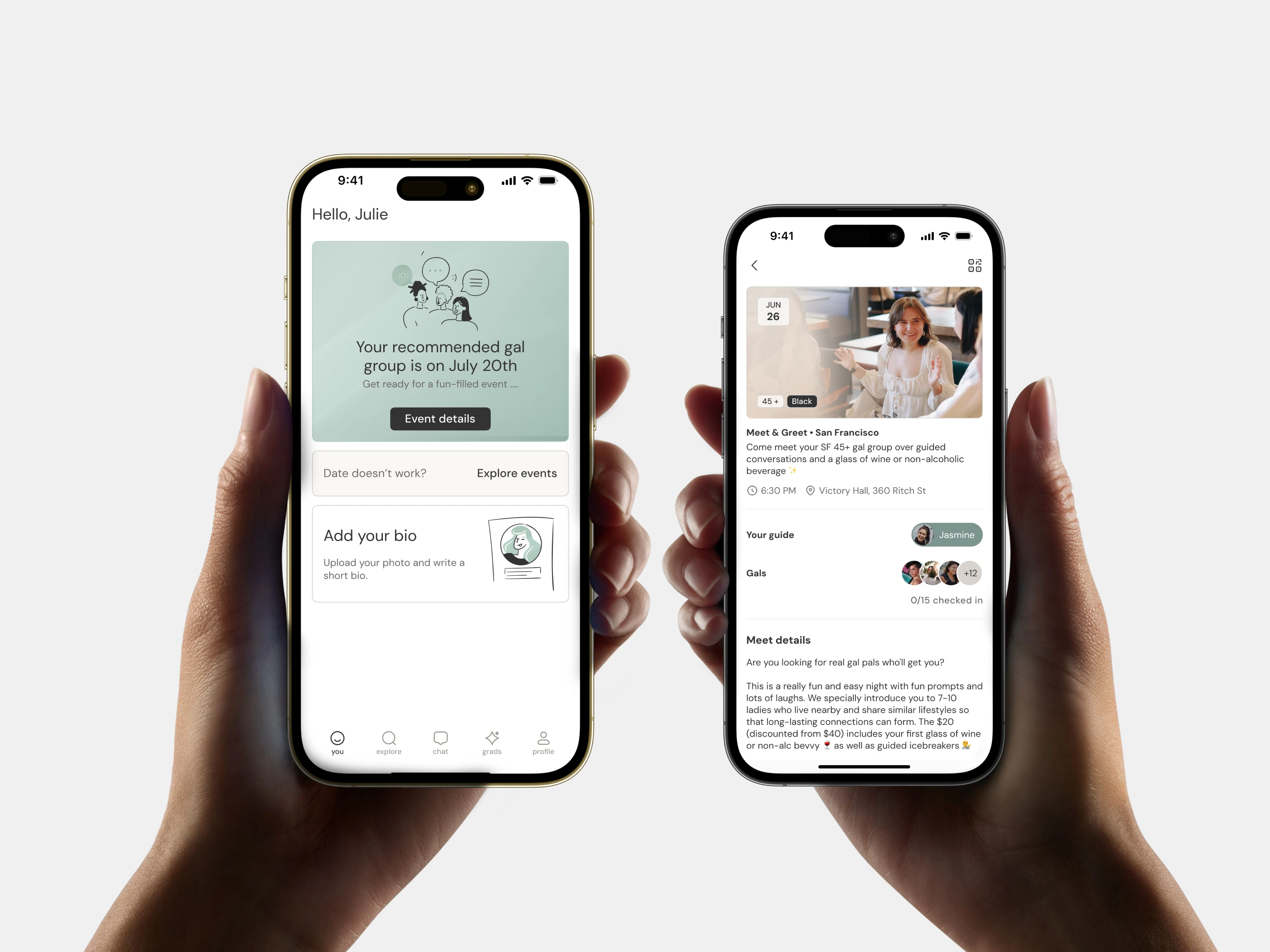
A friendship app that matches women in the same city, then runs them through six weeks of facilitator-led meetups.
- ux/ui design
- design system
- ios app
- embedded web app
- webflow website
4.8 stars from 1,500 ratings for an app that invests for you every week
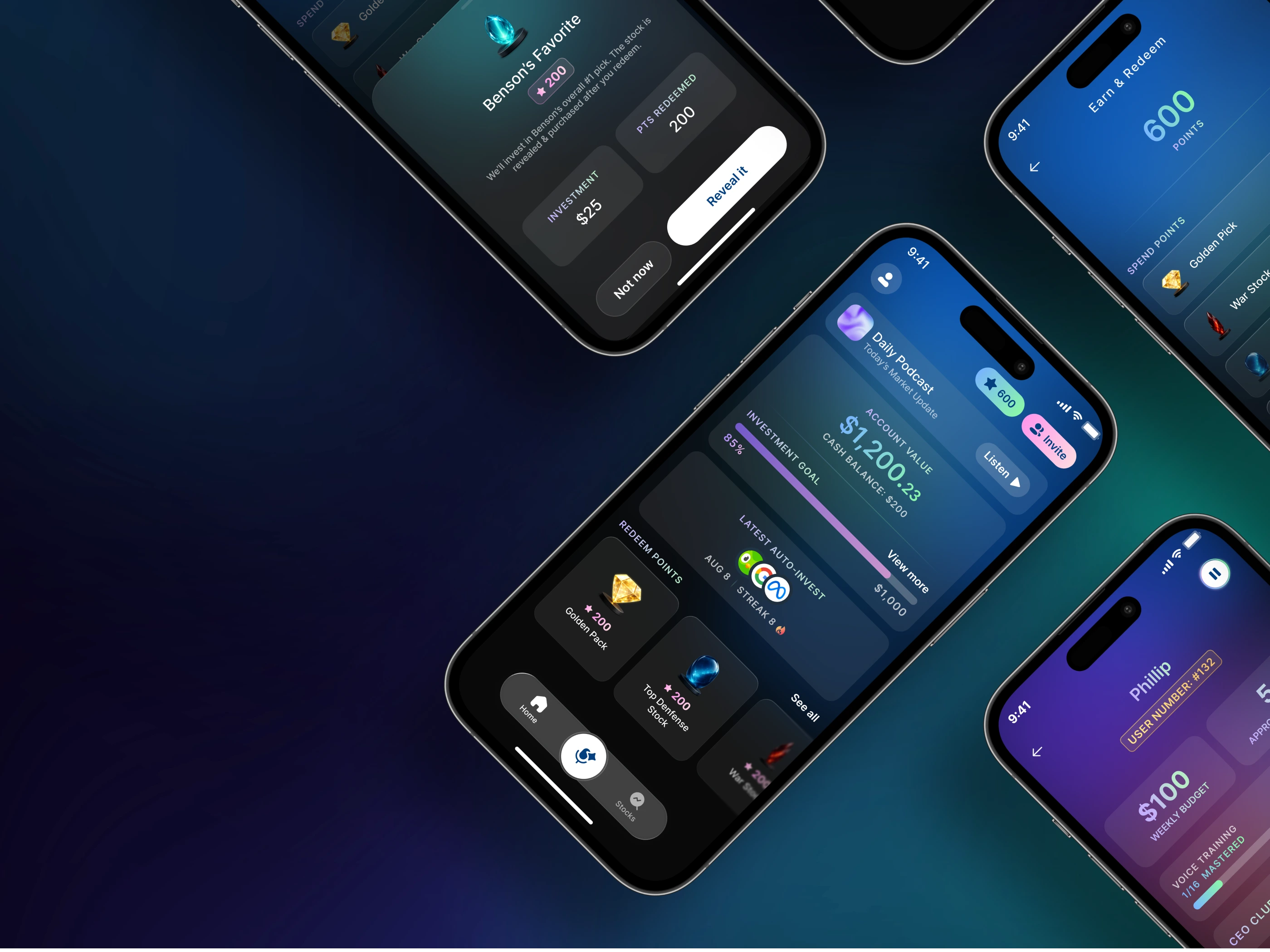
An investing app that picks the stocks, then invests a set weekly budget on the user's behalf.